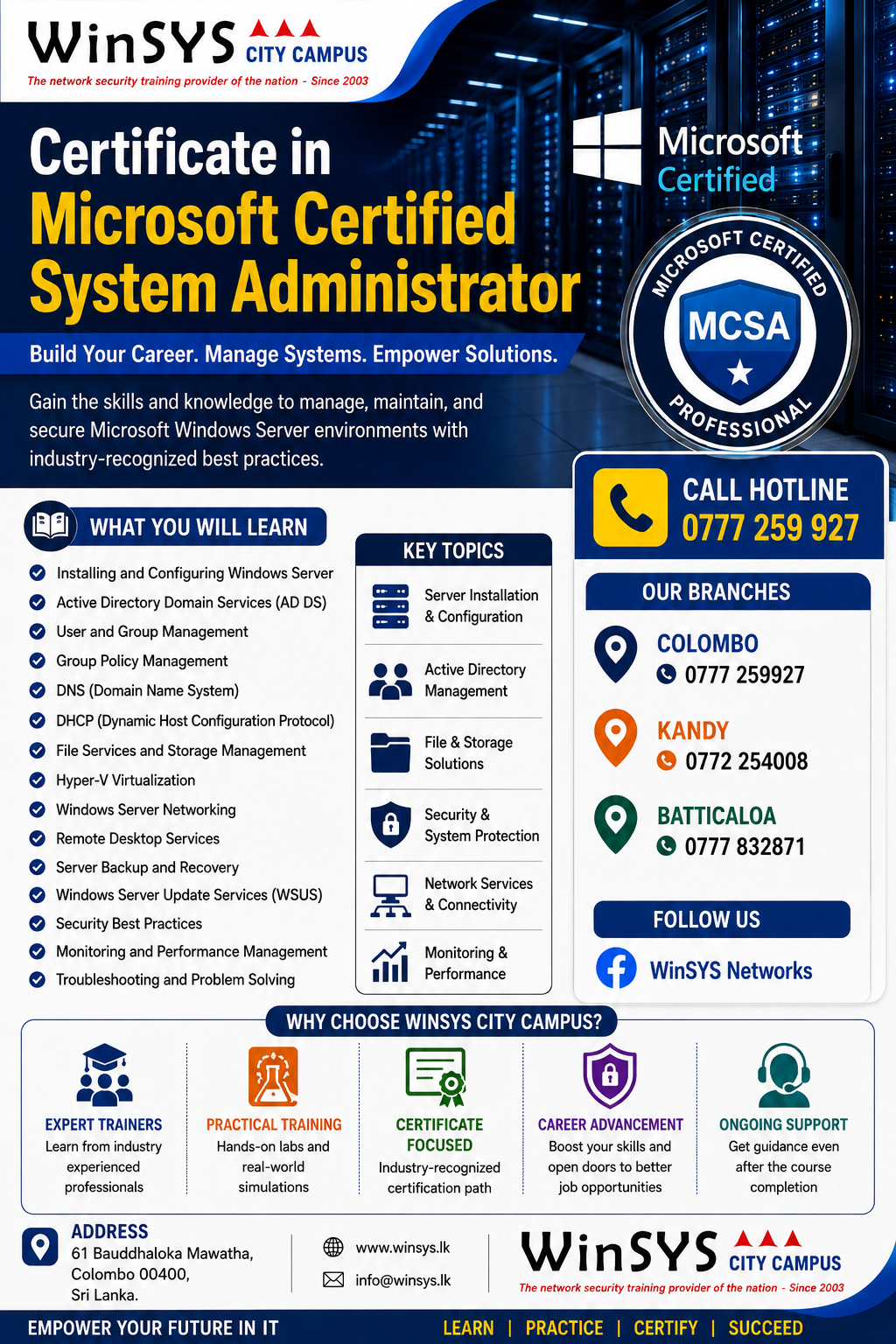
The Certificate in Microsoft Windows Server Administration is designed to provide students with comprehensive theoretical knowledge and practical skills required to install, configure, manage, secure, and maintain Windows Server environments using Microsoft Windows Server 2025 technologies.
This programme focuses on essential system administration skills, including Windows Server installation, server management, Active Directory Domain Services (AD DS), DNS, DHCP, file and print services, network services, and server security. Students will also gain knowledge of PowerShell administration, Windows Admin Center, Hyper-V virtualization, storage management, data protection, and backup and recovery solutions.
Additionally, the course covers web and application server management, Internet Information Services (IIS), Remote Desktop Services, server monitoring, performance optimisation, and troubleshooting techniques.
Through hands-on practical training, students will develop the ability to configure Windows Server infrastructure, manage users and network resources, implement security policies, deploy virtual machines, and maintain enterprise server environments.
Upon successful completion, students will have developed the technical competencies required for Windows Server administration and IT infrastructure management, while gaining a foundation for further professional studies and preparation for Microsoft Windows Server Hybrid Administrator certification examinations (AZ-800 and AZ-801).
Learning outcomes
Module 01: Introduction to Windows Server 2025
Overview of Windows Server 2025
Windows Server Licensing and Editions
System Requirements
Windows Server Installation Options
Windows Server Installation and Configuration
Post-Installation Configuration
Module 02: Windows Server Management Tools
Remote Server Administration Tools (RSAT)
PowerShell and Command-Line Management
Windows Admin Center
Server Manager
Remote Server Management
Server Administration and Configuration
Module 03: Active Directory Domain Services (AD DS)
Introduction to Active Directory
Installing and Configuring Active Directory Domain Services
Domain Controller Configuration
User and Group Management
Organizational Units (OUs)
Group Policy Objects (GPOs)
Active Directory Administrative Center
Active Directory Management and Administration
Module 04: DNS and DHCP Services
Introduction to Domain Name System (DNS)
DNS Server Installation and Configuration
DNS Zones and Records
DNS Name Resolution
DHCP Server Installation and Configuration
DHCP Scope Management
DHCP Reservations
IP Address Allocation and Management
Module 05: File and Print Services
Installing and Configuring File Server Roles
File and Folder Sharing
Managing File and Folder Permissions
Access Control and Security
Print Server Installation and Configuration
Printer Management
Print Queue Management
Module 06: Windows Server Network Services
Routing and Remote Access Services (RRAS)
Network Policy Server (NPS)
Virtual Private Network (VPN) Configuration
DirectAccess
Web Application Proxy
Network Access Management
Remote Network Connectivity
Module 07: Windows Server Security
Windows Firewall Configuration
Security Policies and Settings
Windows Server Security Management
Active Directory Security
Active Directory Certificate Services
Certificate Management
BitLocker Drive Encryption
Server Protection and Security Best Practices
Module 08: Virtualization with Hyper-V
Introduction to Hyper-V Virtualization
Hyper-V Installation and Configuration
Creating and Managing Virtual Machines
Virtual Switch Configuration
Virtual Networking
Virtual Machine Snapshots and Checkpoints
Virtual Machine Management
Module 09: Storage and Data Management
Storage Spaces
Storage Spaces Direct
Data Deduplication
iSCSI Target Server Configuration
Storage Management
Backup and Recovery
Data Protection and Availability
Module 10: Web and Application Server Management
Installing and Configuring Internet Information Services (IIS)
ASP.NET Application Hosting
PHP Application Hosting
.NET Core and ASP.NET Core
Website Configuration and Management
Application Deployment
Web Server Security and Maintenance
Module 11: Remote Desktop Services (RDS)
Introduction to Remote Desktop Services
Remote Desktop Session Host (RDSH)
Remote Desktop Gateway
Remote Desktop Web Access
Remote Desktop Licensing
Remote Desktop Configuration and Management
Module 12: Server Monitoring and Troubleshooting
Windows Server Performance Monitoring
Performance Analysis and Optimisation
Event Logs and Event Viewer
PowerShell for Troubleshooting
Identifying and Resolving Server Issues
Backup and Recovery Strategies
Server Maintenance and Troubleshooting
Eligibility & entry requirements
Entry Requirements – Certificate in Microsoft Windows Server Administration
Applicants should be at least 12 years of age.
Prior study or knowledge in the field of computer networking is compulsory.
Basic understanding of computer networking concepts, including LAN, WAN and TCP/IP.
Familiarity with Windows operating systems and basic computer administration.
Basic knowledge of IP addressing, DNS and network connectivity.
An interest in Windows Server administration, networking and IT infrastructure management.
Ability to understand technical instructions and participate in practical laboratory activities.
Students should have a basic networking background before enrolling in this programme. Previous professional Windows Server administration experience is not compulsory.
🚀 Your career pathway
Where the Networking route can take you — from here to a degree and a career.
Possible career roles
🌍 Opportunities in: Sri Lanka · UK · Middle East